
The Dirty Olive Client Portal
Your event details, drinks and documents.
Once your booking is confirmed, you’ll get your own private Client Portal. Use it to check your arrangements, look through your drinks and message our team.
You’ll need an invitation to sign in.
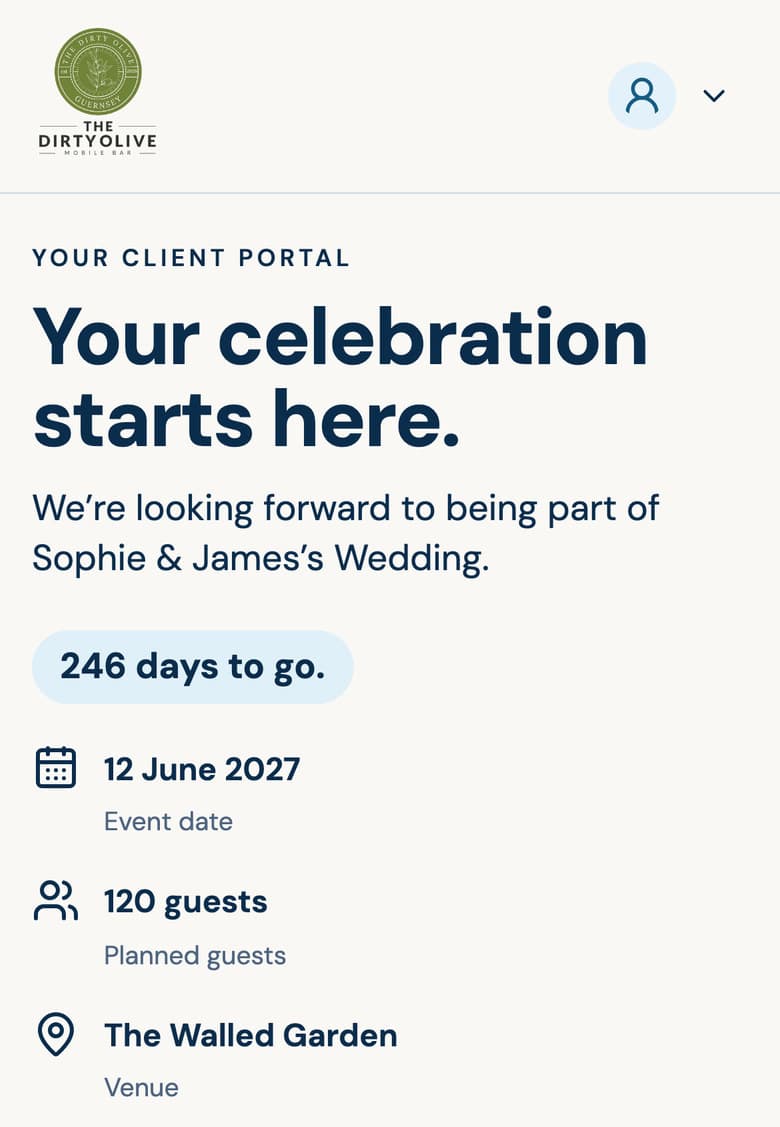
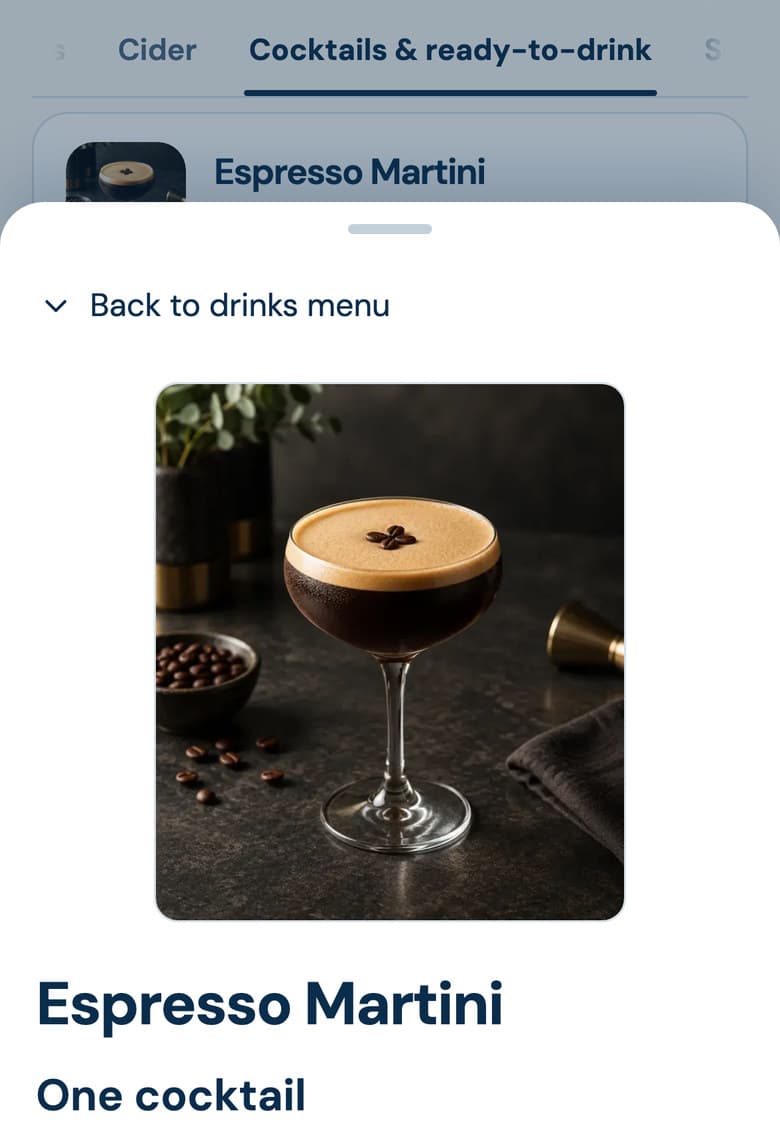
Example event shown.
Try it yourself
Look around an example event.
This is the Client Portal as you’d see it on your phone, filled with an example wedding. Nothing you do here is sent or saved.
Try it here: tap through an example wedding, choose drinks and send a message.
What’s in your portal.
Your event
Review the date, venue, guest numbers and timings agreed for your occasion.
Your drinks
See your drinks menu, look through what else is available and ask for changes.
Your documents
Find your quote and event documents here.
Your event team
Send messages and questions directly to the people looking after your bar service.
A closer look
See how it works.
A short tour of the Dirty Olive Client Portal: checking your event details, choosing drinks and messaging the team.
You can still call us.
The Client Portal keeps track of your plans.
If you have a question or want to change something, call or email us any time.